BrowserMock
Browser window mock for product screenshots: a toolbar with window controls and an address bar, and an optional theme picker.
Usage
svelte
<script lang="ts">
  import { BrowserMock } from "@milandekruijf/ui/svelte";

  const themes = [
    { id: "light", label: "Light" },
    { id: "dark", label: "Dark" },
  ];
  const screens: Record<string, string> = {
    light: "/shots/acme-light.webp",
    dark: "/shots/acme-dark.webp",
  };
  let theme = $state("light");
</script>

<BrowserMock
  address="acme.com"
  href="https://acme.com"
  src={screens[theme]}
  alt="Acme homepage"
  {themes}
  onThemeChange={(id) => (theme = id)}
/>
Examples
Product screenshot
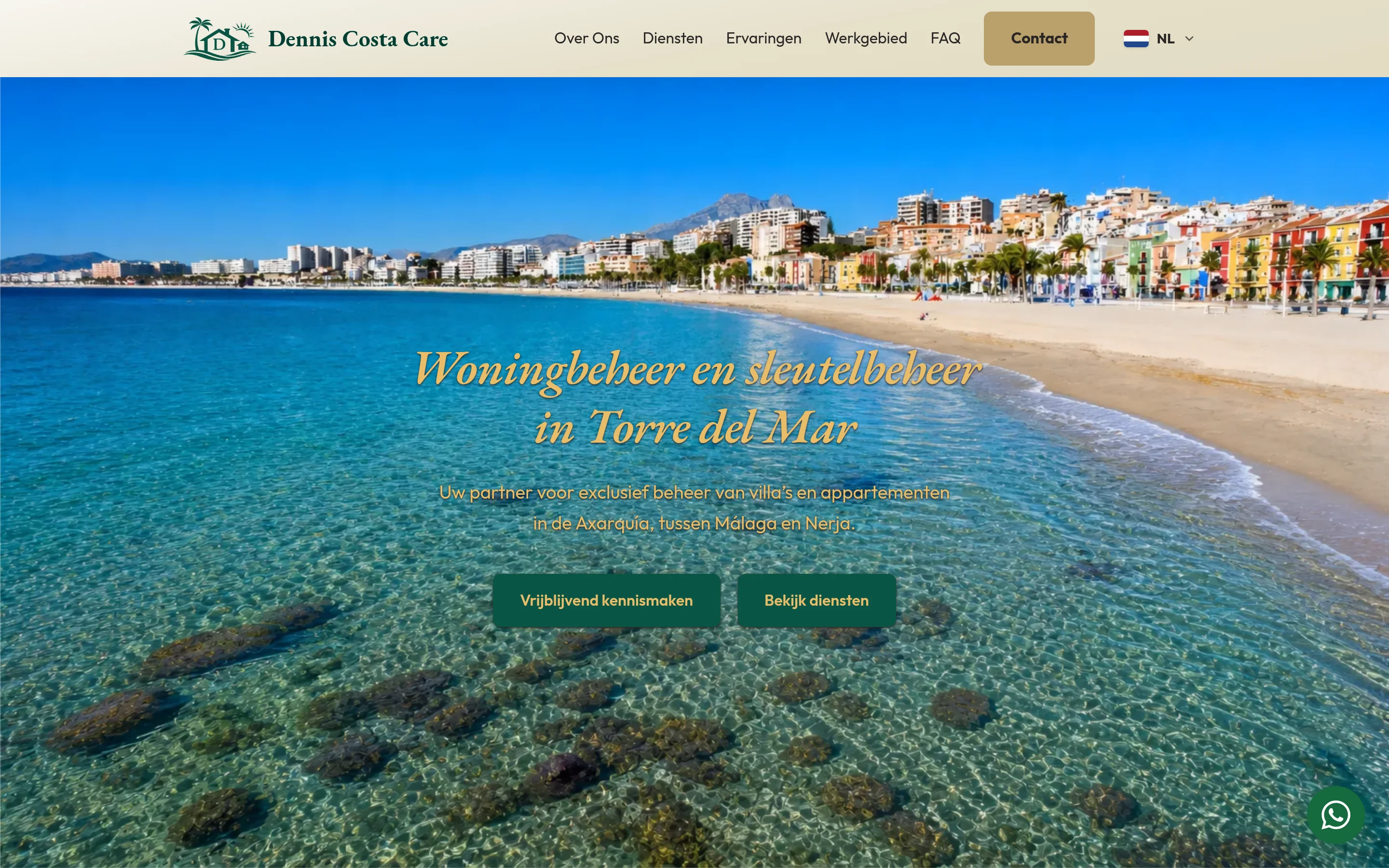
<script lang="ts">
  import { BrowserMock } from "@milandekruijf/ui/svelte";
</script>

<BrowserMock
  address="denniscostacare.com/nl"
  href="https://denniscostacare.com/nl/"
  src="/projects/dennis-costa-care/home-desktop.webp"
  alt="The Dennis Costa Care homepage in a desktop browser window"
/>
Props
| Prop | Type | Default | Description |
|---|---|---|---|
| address? | string | — | Address bar text, rendered as a read-only field with a copy button. Omit to hide the field. |
| addressLabel? | string | "Address" | Accessible name for the read-only address field. |
| copyAriaLabel? | string | "Copy URL" | Copy button's accessible name while idle. |
| copiedAriaLabel? | string | "Copied" | Copy button's accessible name after copying. |
| href? | string | — | Live page opened in a new tab by the external button next to the copy button. Omit to hide it. |
| externalAriaLabel? | string | "Open in new tab" | External button's accessible name. |
| src? | string | — | Screenshot shown in the window. |
| alt? | string | "" | Alt text for the screenshot. |
| themes? | { id: string; label: string }[] | — | Theme variants; two or more render picker chips below the window. |
| theme? | string | null | null | Active theme id. |
| onThemeChange? | (id: string) => void | — | Called with the new id when a picker chip is pressed. |
| themePickerLabel? | string | — | Accessible name for the theme picker group. |
| aspect? | string | "16 / 10" | Window aspect ratio; `"auto"` follows the screenshot. |
| objectPosition? | "top" | "center" | "bottom" | "top" | Crop anchor when the screenshot is taller than the window. |
| loading? | "lazy" | "eager" | "lazy" | Native image loading; use `"eager"` above the fold. |
| class? | string | — | Extra classes merged after the base classes. |
| children? | Snippet | — | Custom window content instead of `src`. |
Borderless and flat, sharing the code block's surface: a slate.3 toolbar with macOS dots, history/reload icons, and full-height address field (slate.2, squared, no border) whose copy and external buttons supply their own padding. The window crops to `aspect` and anchors a taller screenshot at `objectPosition`, so full-page captures read like a real browser viewport.