MobileMock
Phone mock for portrait screenshots, with a status bar and an optional theme picker below the device.
Usage
svelte
<script lang="ts">
  import { MobileMock } from "@milandekruijf/ui/svelte";
</script>

<MobileMock
  src="/shots/acme-mobile.webp"
  alt="Acme homepage on mobile"
/>
Examples
Phone screenshot
9:41
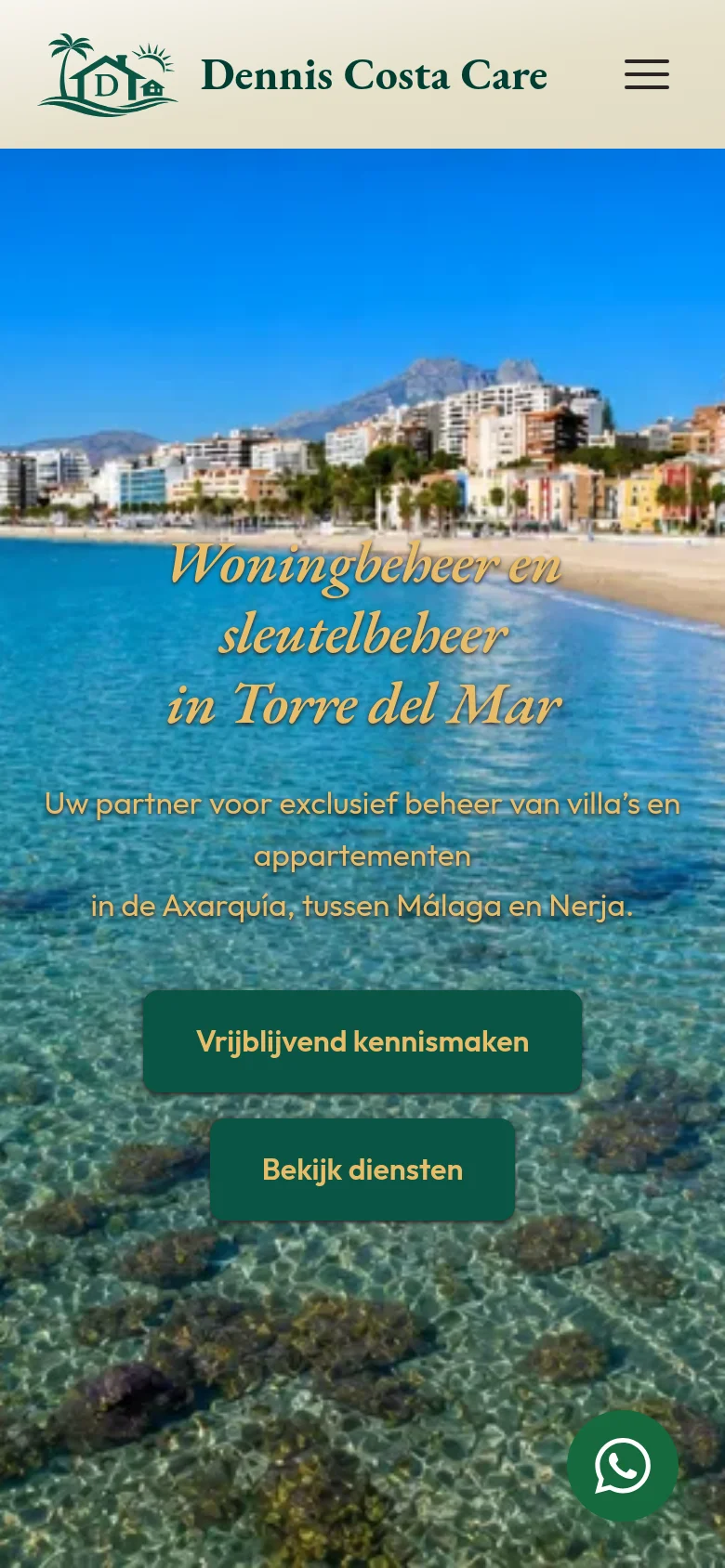
<script lang="ts">
  import { MobileMock } from "@milandekruijf/ui/svelte";
</script>

<MobileMock
  src="/projects/dennis-costa-care/mobile-home.webp"
  alt="The Dennis Costa Care homepage on a phone"
/>
Props
| Prop | Type | Default | Description |
|---|---|---|---|
| src? | string | — | Screenshot shown on the screen. |
| alt? | string | "" | Alt text for the screenshot. |
| themes? | { id: string; label: string }[] | — | Theme variants; two or more render picker chips below the device. |
| theme? | string | null | null | Active theme id. |
| onThemeChange? | (id: string) => void | — | Called with the new id when a picker chip is pressed. |
| themePickerLabel? | string | — | Accessible name for the theme picker group. |
| time? | string | "9:41" | Status bar clock text. |
| aspect? | string | "auto" | Screen aspect ratio; `"auto"` follows the screenshot. |
| objectPosition? | "top" | "center" | "bottom" | "top" | Crop anchor when the screenshot is taller than the screen. |
| loading? | "lazy" | "eager" | "lazy" | Native image loading; use `"eager"` above the fold. |
| class? | string | — | Extra classes merged after the base classes. |
| children? | Snippet | — | Custom screen content instead of `src`. |
Borderless and flat like the browser mock: a slate.3 status bar slab (clock, island, signal icons) replaces the OS chrome a screenshot does not carry, over the slate.2 screen — the same toolbar-over-content surface, just phone-narrow.